

If you are shopping for a Thunderbolt 5 dock for Mac, the most important question is not “Is this dock fast enough?” It is “Is this the right dock for my Mac?” In 2026, that question matters more than ever. Apple’s latest MacBook Pro models can do much more over a single Thunderbolt connection than older buying advice suggested, and the difference between a good fit and an overbuilt dock often comes down to your exact Mac model, chip, and display goal.
Quick Finder: Find the Right MacBook Dock for Your Mac
FusionDock Quick Finder
Find the right FusionDock for your Mac
Select your Mac model and Apple chip to see your Mac’s Thunderbolt class, the most balanced dock generation, and the best-fit FusionDock options.
Compatibility summary
Your Mac
—
Quick Compatibility Summary
- Thunderbolt 5 MacBook Pro models — including M5 Pro, M5 Max, M4 Pro, and M4 Max MacBook Pro — are the strongest candidates for a Thunderbolt 5 dock. If you want a high-performance everyday multi-display setup, FusionDock Max 2 is the more practical fit. If you are building a higher-end native workstation with more display headroom and 10GbE, FusionDock Ultra is the better match. Apple lists Thunderbolt 5 ports on M4 Pro / M4 Max MacBook Pro models, and states that M5 Pro supports up to three external displays and M5 Max up to four over a single Thunderbolt port.
- Thunderbolt 4 Macs — such as MacBook Air and base-chip MacBook Pro models — can still work with a premium dock, but they do not benefit equally from this category. Apple says current M4 and M5 MacBook Air models support up to two external displays, so compatibility does not always mean a flagship Thunderbolt 5 dock is the most balanced choice.
What Changed in 2026
How We Think About Mac Compatibility
Best Thunderbolt 5 Dock by Mac Type
Best Thunderbolt 5 dock for M5 Pro MacBook Pro

FusionDock Max 2
Native triple-display setup, 23 ports, 140W charging.
See FusionDock Max 2Best workstation dock for M5 Max MacBook Pro

FusionDock Ultra
Native quad-display support, 10GbE, 26 ports, active cooling system.
See FusionDock UltraBest dock for M4 Pro or M4 Max MacBook Pro
Is a Thunderbolt 5 dock worth it for MacBook Air?
A Quick Note on Cables
FAQs
Q1: Will a Thunderbolt 5 dock work with a Thunderbolt 4 MacBook?
Q2: Which MacBook models work best with a Thunderbolt 5 dock?
Q3: Does M5 Pro support three external displays?
Q4: Does M5 Max support four external displays?
Q5: Which is better for MacBook Pro: FusionDock Max 2 or FusionDock Ultra?
Q6: Will FusionDock Max 2 and FusionDock Ultra work with Intel Macs or PCs?
Q7: Is Thunderbolt 5 overkill for MacBook Air?
Q8: Can a dock increase how many monitors my Mac supports?
Q9: How do I know whether I need FusionDock Max 2 or FusionDock Ultra?
Keep Reading
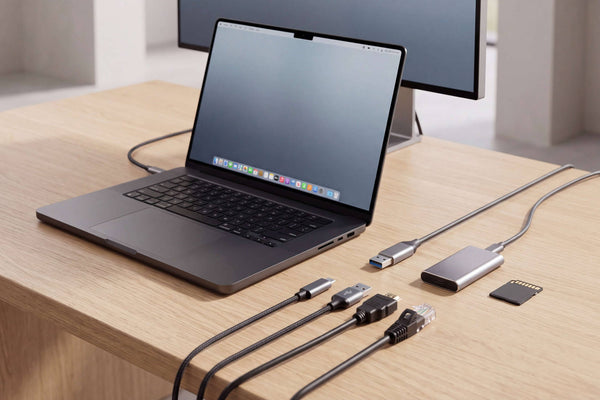
Thunderbolt 5 Dock Ports Explained: What Matters for Mac
Not all Thunderbolt 5 dock ports do the same job. Learn how to compare upstream and downstream TB5, USB-C speeds,...
Read Article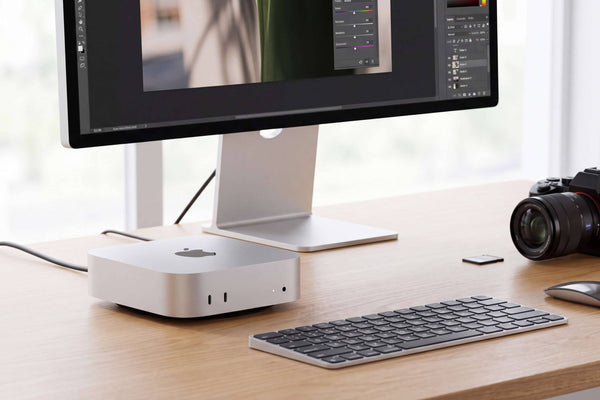
Mac mini Docking Station: USB-C vs Thunderbolt Guide
Choosing a Mac mini docking station? Learn when no dock, a USB-C dock, or Thunderbolt makes sense for displays, SSDs,...
Read Article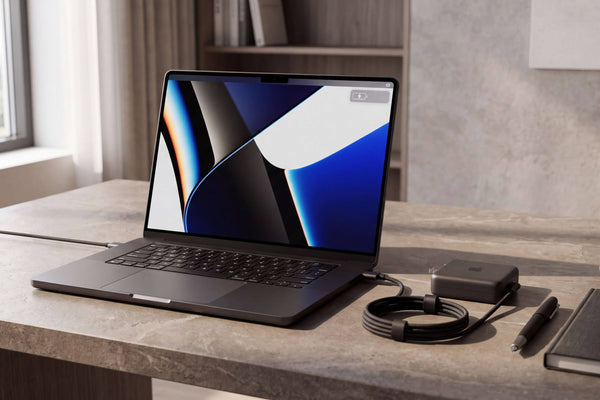
96W vs 140W Dock Charging for 16-inch MacBook Pro
Why 140W USB-C fast charging works on newer 16-inch MacBook Pros but not 2021/early-2023 models, plus our 96W vs 140W...
Read Article