
Mac Studio Dock Setup: When Do You Need One?

Mac Studio doesn't need a dock by default—but a busy workstation can still outgrow its built-in connections. Mac Studio already has four rear Thunderbolt ports, 10Gb Ethernet, HDMI, two USB-A ports, and a front UHS-II SDXC card reader. Adding a docking station won't make the Mac itself faster or increase its native display limit.
The real reasons to add a dock are more practical: keeping a large collection of peripherals connected, handling removable media without cable juggling, organizing a multi-monitor desk, or adding a specific connection Mac Studio lacks.
What Ports Does Mac Studio Already Have?
Every Mac Studio generation includes four rear Thunderbolt ports, two rear USB-A ports (up to 5Gb/s), 10Gb Ethernet, HDMI, a rear 3.5mm headphone jack, and a front UHS-II SDXC slot. The important differences are the Thunderbolt generation, front USB-C capabilities, and supported display count.
| Mac Studio model | Rear Thunderbolt | Front data ports | Maximum native external displays |
|---|---|---|---|
| 2026 — M5 Max | 4 × Thunderbolt 5 | 2 × USB-C (10Gb/s) | 5 |
| 2026 — M5 Ultra | 4 × Thunderbolt 5 | 2 × Thunderbolt 5 | 8 |
| 2025 — M4 Max / M3 Ultra | 4 × Thunderbolt 5 | 2 × USB-C (10Gb/s) / 2 × Thunderbolt 5 | 5 / 8 |
| 2023 — M2 Max / M2 Ultra | 4 × Thunderbolt 4 | 2 × USB-C (10Gb/s) / 2 × Thunderbolt 4 | 5 / 8 |
| 2022 — M1 Max / M1 Ultra | 4 × Thunderbolt 4 | 2 × USB-C (10Gb/s) / 2 × Thunderbolt 4 | 5 / 5 |
Display figures are maximums, not a promise that every resolution and refresh-rate combination works at once. The 2022 M1 Ultra supports up to five displays—not eight. HDMI is 2.0 on 2022 models and 2.1 on later generations. Check Apple's model-specific specifications for exact display configurations.
That means a dock should solve a problem you actually have—not duplicate an SD reader, Ethernet port, or video output that already works well.
4 Practical Reasons to Add a Dock to a Mac Studio
1. Your USB Peripherals Have Outgrown the Built-In Ports
2. You Regularly Move Footage, Photos, and Project Files Between Devices
3. You Want a Cleaner Multi-Monitor Workstation—not More Displays Than Your Mac Supports
4. Your Workflow Needs a Connection Mac Studio Doesn't Include
When a Simple Hub Is Enough—and When to Choose a Dock
| Your actual need | Start with | Why |
|---|---|---|
| Two to four extra USB ports for low-bandwidth gear | Powered USB hub | Less expensive; no need to pay for video and Ethernet features |
| One microSD reader, audio output, or additional Ethernet port | Dedicated adapter or reader | Solves a single missing-connection problem |
| One fast external SSD or high-bandwidth storage array | Direct Thunderbolt connection | Avoids sharing a dock's upstream bandwidth |
| Several drives, card formats, displays, and permanent peripherals | Full docking station | Consolidates multiple different connections into a manageable workstation |
| Multiple supported displays plus extensive fast I/O | High-bandwidth Thunderbolt dock | Adds downstream connectivity and more flexible cable routing |
Which FusionDock Makes Sense for Mac Studio?
| Specification | FusionDock Max 1 | FusionDock Max 2 | FusionDock Ultra |
|---|---|---|---|
| Best fit | Lots of 10Gb/s USB-A peripherals; fanless desk | Mixed-speed USB accessories and up to 3 displays through the dock | Larger high-speed setups, up to 4 dock-connected displays, dual 10GbE |
| High-speed downstream USB-C | 4 × 40Gb/s | 3 × 80/120Gb/s | 4 × 80/120Gb/s |
| USB-A | 5 × 10Gb/s | 1 × 10Gb/s, 3 × 5Gb/s, 3 × USB 2.0* | 4 × 10Gb/s |
| Ethernet | 2.5GbE | 2.5GbE | 10GbE |
| Front USB-C charging | Up to 30W PD | Up to 30W PD | Up to 45W PD |
| Dock-routed Mac Studio displays | Check your exact model and display arrangement | Up to 3 | Up to 4 |
USB-A speed-tier mix shown for the currently published Max 2 specification; confirm the version sold in your region. Listed bandwidths are individual interface capabilities, not simultaneous guaranteed throughput. Mac Studio display support depends on the Mac model, cable, and monitor combination.
How to Connect a FusionDock to Mac Studio
Frequently Asked Questions
Does Mac Studio need a docking station?
Can a dock add more monitors to Mac Studio?
Should I connect an external SSD directly to Mac Studio or through a dock?
Can I use a Thunderbolt 5 dock with an older Mac Studio?
Is FusionDock a KVM switch for Mac Studio and MacBook?
Keep Reading
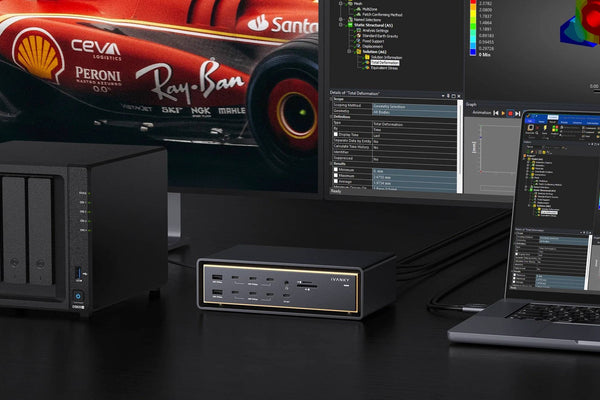
USB-C Ethernet for MacBook: Adapter vs Dock (2026 Guide)
Only need wired internet on your MacBook? A $20–$30 USB-C Ethernet adapter is enough. Compare adapter vs dock port costs,...
Read Article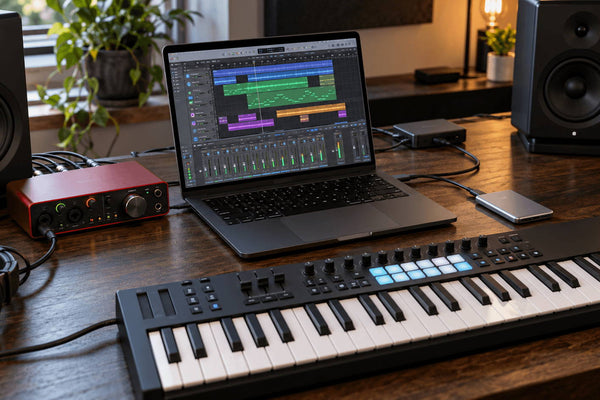
Mac Music Production Setup: Audio, MIDI & SSD Connections
Learn where to connect your audio interface, MIDI controller, and SSD on a Mac. Compare practical setups and find out...
Read Article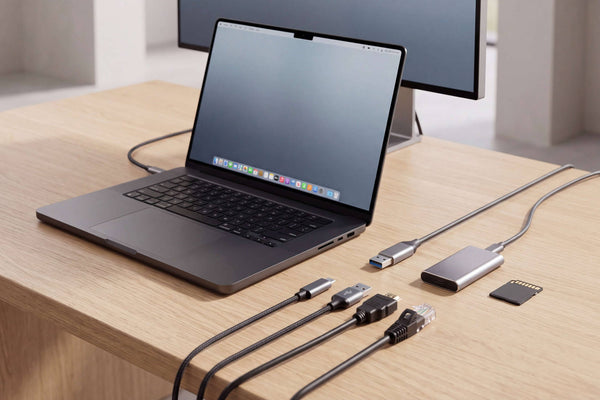
Thunderbolt 5 Dock Ports Explained: What Matters for Mac
Not all Thunderbolt 5 dock ports do the same job. Learn how to compare upstream and downstream TB5, USB-C speeds,...
Read Article